LUT editor
Browser-based LUT editor for .cube workflows
Kalar.io is a browser-based LUT editor for building, testing, and exporting 3D LUT (.cube) files. Develop the look on representative images, keep only transform-safe tone and color operations, and export a standard LUT for compatible video and photo workflows.
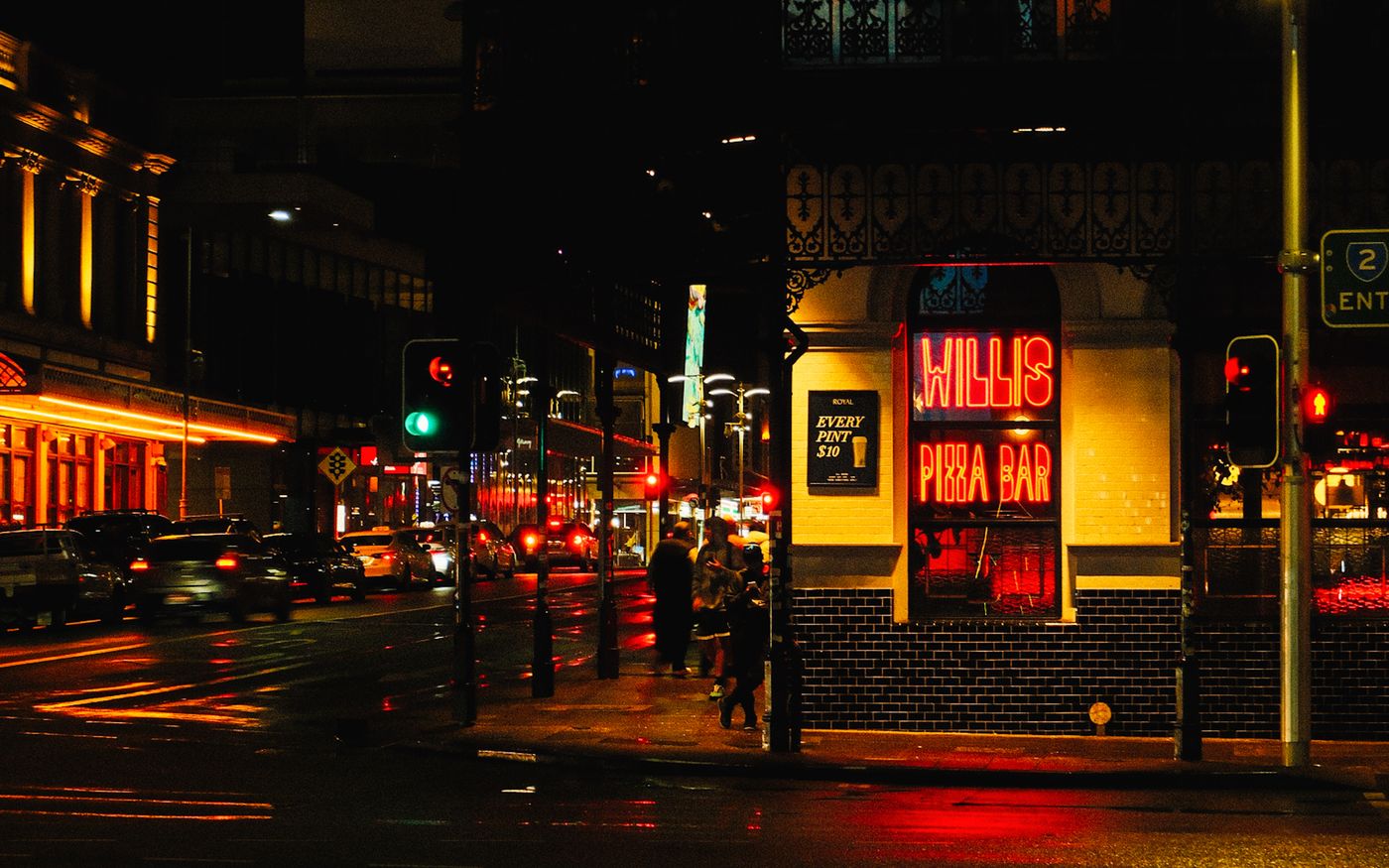
Use stills to build a stronger LUT
Kalar encourages you to validate the transform across multiple exposures, skin tones, neutral ramps, and saturated colors instead of trusting one hero image.
Export standard .cube files
Kalar Pro exports standard 3D LUT sizes such as 16, 32, and 64 so the look can move into compatible grading, monitoring, streaming, and photo workflows.
Know what transfers
A 3D LUT carries color and tone mappings. Grain, halation, bloom, diffusion, retouching, masks, and other spatial effects remain render-only and should be recreated or delivered separately.
Who it is for
This workflow is useful for photographers, DITs, cinematographers, and creators who want a browser tool to establish a look, validate it, and hand off a reusable transform.
Questions and answers about Browser-based LUT editor for .cube workflows
What is a LUT editor?
A LUT editor helps you create, test, and export a reusable color transform, most often as a 3D LUT such as a .cube file.
Can Kalar export .cube LUTs?
Yes. Kalar Pro exports standard .cube LUTs for compatible downstream workflows.
Can grain and halation be stored in a 3D LUT?
No. Spatial and optical effects such as grain, halation, bloom, masks, and retouching are not preserved by a standard 3D LUT.
Why build a LUT from still images?
Representative stills let you stress-test the transform across skin, neutrals, shadows, highlights, and saturation before you commit it to other software.