Online film emulation
Film emulation online for digital photos
Kalar is an online film-emulation editor for photographers who want analog character without a one-click filter. Shape tone and color first, then add adjustable grain, halation, bloom, and diffusion while your photo stays in your browser.
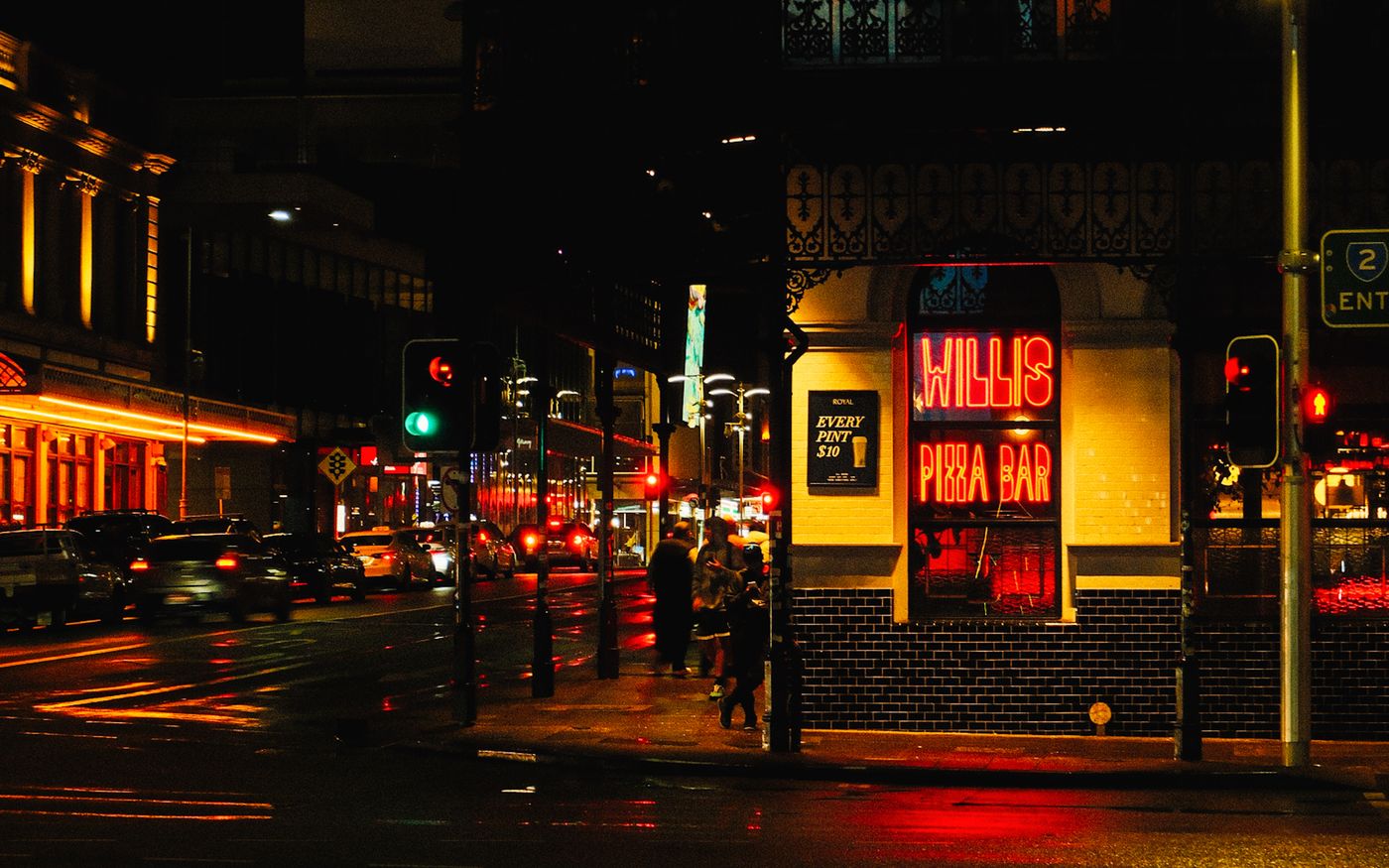
What is film emulation?
Film emulation is the process of shaping a digital image to evoke the tone, color response, texture, and optical character associated with photographic film. Kalar keeps these controls editable instead of baking them into a single filter.
Build the color foundation
Start with exposure, white balance, contrast, curves, density, and selective color. A convincing film look depends on those relationships before texture or glow is added.
- Use curves to shape the toe, midtones, and highlight shoulder
- Adjust hue, saturation, and density while keeping important neutrals stable
- Check the image at fitted view and 100% before export
Add grain, halation, bloom, and diffusion
Kalar's film-effects panels add adjustable texture and highlight behavior. Grain supplies fine structure, halation adds warm edging around bright transitions, bloom spreads luminous highlights, and diffusion softens local contrast.
- Treat each effect independently
- Judge grain at the intended output size
- Use restrained settings for a natural result
Edit locally in your browser
Imported photo pixels are decoded and processed in the browser rather than uploaded to a remote rendering service. You can work with supported RAW and standard image formats, compare the grade in real time, and export a finished photo.
Film presets are starting points
Included film-inspired presets provide a fast foundation, but every relevant control remains adjustable. This makes it possible to adapt a look to the exposure, camera file, subject, and intended output instead of forcing every image through the same recipe.
Questions and answers about Film emulation online for digital photos
What is the best way to make a digital photo look like film?
Set exposure, white balance, contrast, curves, and color first. Then add grain, halation, bloom, or diffusion in small amounts and evaluate the result at its intended output size.
Can I use Kalar for film emulation online?
Yes. Kalar runs in a modern browser and provides adjustable tone, color, grain, halation, bloom, diffusion, and film-inspired presets for supported RAW and standard image files.
Does Kalar upload my photos for film emulation?
No remote rendering upload is required. Imported photo pixels are decoded and processed locally in the browser; account, billing, application assets, and aggregate analytics remain separate network services.
Is film grain included in a 3D LUT?
No. A 3D LUT stores color-value mappings, not spatial effects. Grain, halation, bloom, diffusion, and masks must be recreated or rendered separately.
What is the difference between halation and bloom?
Halation creates warm edging near strong bright-to-dark transitions, while bloom spreads a softer glow around bright areas. They can be adjusted independently in Kalar.