Kalar.io RAW editor, color grading tool, and LUT builder
Browser-based RAW editing for cinematic color.
Kalar.io is a browser-based RAW photo editor for cinematic color grading, film emulation, reference matching, and 3D LUT export. Craft film-inspired looks with grain, halation, bloom, curves, and a local-first grading engine that runs in your browser.
One-of-a-kind color modelling simulates the light response of film. Embedded in an intuitive, blazing fast interface designed to help you build polished looks in less time.
Video color grading
Film color for video.
Import video clips, preview grades in motion, and build cinematic looks with the same analog-inspired color engine used for stills.
PhotographersCinematographersColorists
Kalar is a dedicatedlook development toolfor photographers and a first-class3D LUT Builderfor video and cinematography workflows.
Logarithmic grading for photographers
Film-like RAW.
Film texture emulation
True Grain & Halation
GPU Accelerated Processing
Analog Color Tools.
One-of-a-kind color modelling that simulates the light response of film. Embedded in an intuitive, blazingly fast user interface designed to get you twice the results in half the time.
Short answers for photographers, filmmakers, and creators comparing web grading, film emulation, RAW editing, and LUT export workflows.
Kalar.io is a browser-based RAW photo editor for cinematic color grading, film emulation, reference matching, and 3D LUT export. It is designed for photographers, filmmakers, and color-focused teams who want pro color tools without a desktop install.
Yes. Kalar edits RAW photos online in your browser and supports CR2, CR3, NEF, ARW, DNG, RAF, RW2, ORF, HEIC, and TIFF. Import and processing happen locally on your device rather than through a remote render server.
No photo upload is required for editing. Kalar decodes and processes imported image pixels locally in the browser; account, billing, app assets, and aggregate analytics are separate services.
Yes. Kalar lets you build a look in the browser and export a standard 3D LUT (.cube) for compatible workflows in DaVinci Resolve, Premiere Pro, OBS, Darktable, and other color-managed apps.
Yes, for photographers who want a focused browser workflow for RAW adjustment, cinematic color, film looks, and reusable exports. Lightroom remains stronger for deep cataloging, sync, and broader Adobe ecosystem workflows.
Kalar recognizes common photo formats including CR2, CR3, NEF, ARW, DNG, RAF, RW2, ORF, HEIC, and TIFF. Camera-specific behavior can vary, so important workflows should still be tested with a representative file from your camera.
Kalar is built for local browser processing, which keeps editing pixels on your device instead of sending them to a render server. That makes it a strong fit for privacy-sensitive work, although your own device, browser extensions, and account services still need normal security care.
Kalar.io is for photographers, cinematographers, filmmakers, and color-focused creators who want browser-based RAW editing, film emulation, reference matching, scopes, presets, and 3D LUT export.
Build cinematic color in the browser
Open Kalar to grade RAW photos, create film-inspired looks, match references, and export LUTs for your editing workflow.
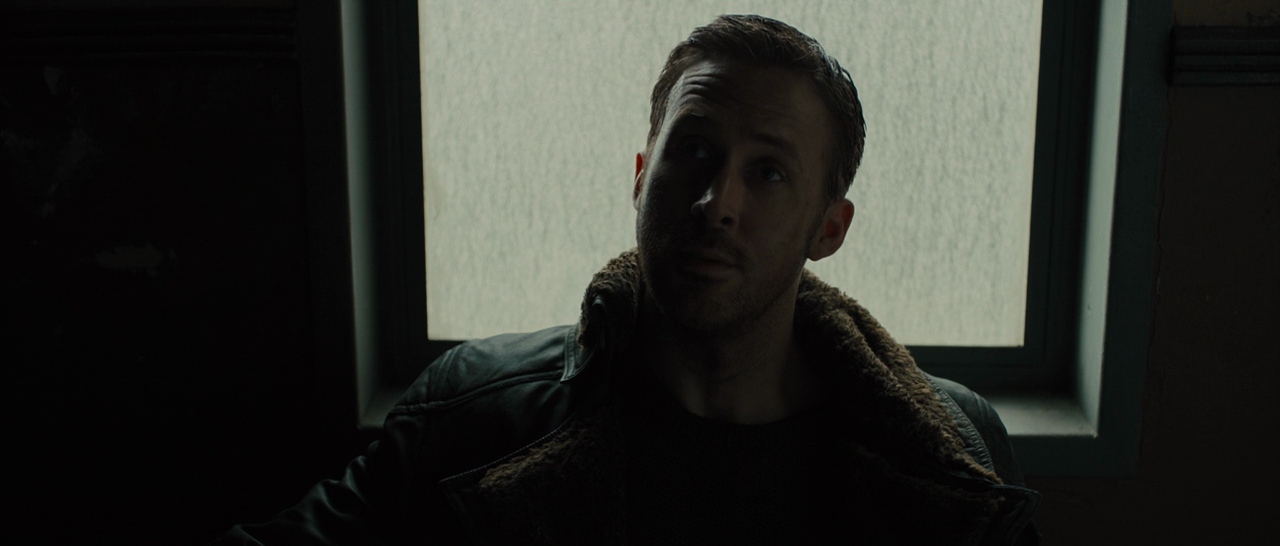
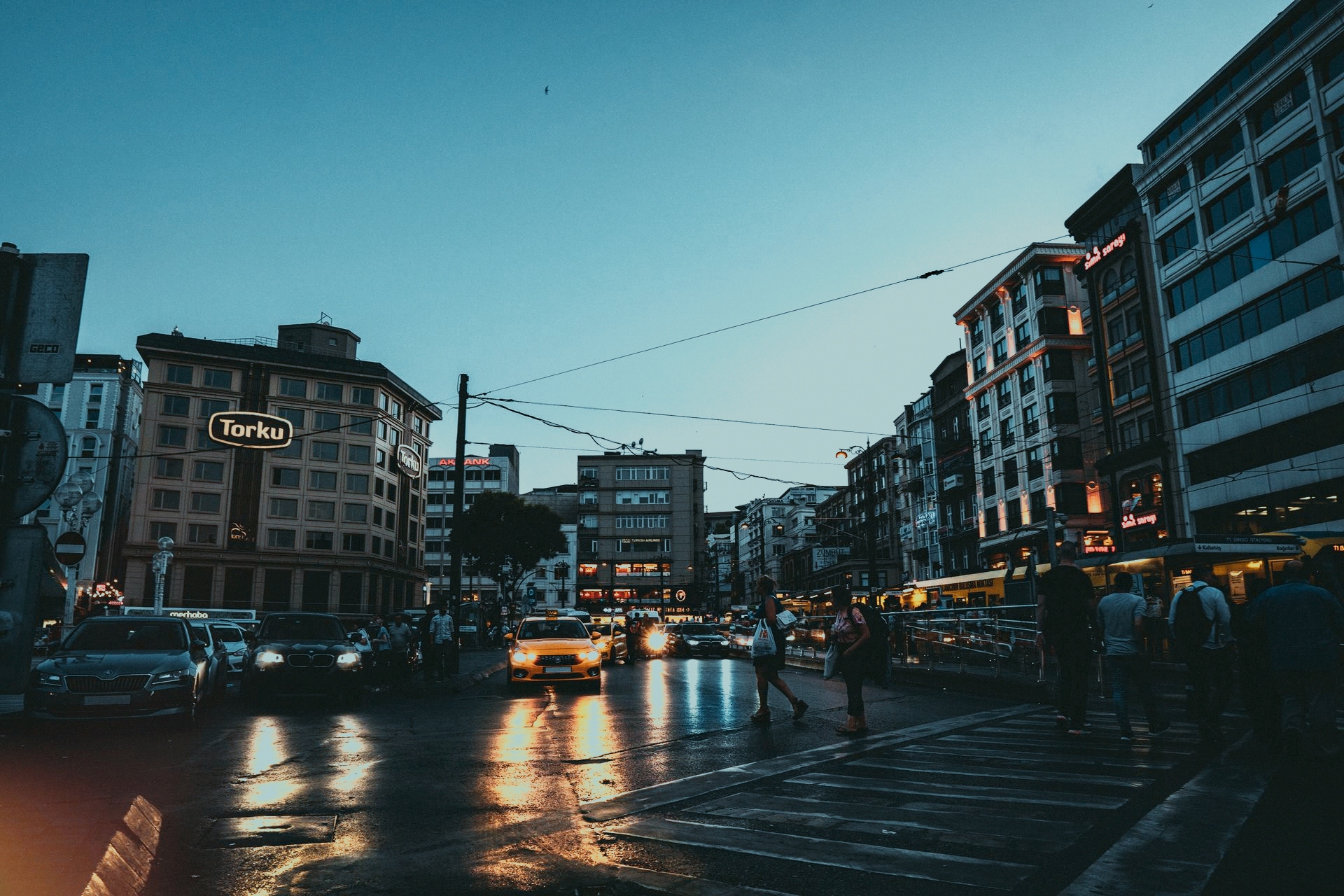


 Photographers
 Cinematographers
 Colorists