RAW Photo Editor
RAW Photo Editor Online
Kalar is built for a Lightroom-style workflow in the browser, with local editing and professional color controls. Photo management, sync, and deeper batch workflows are part of the broader product direction.
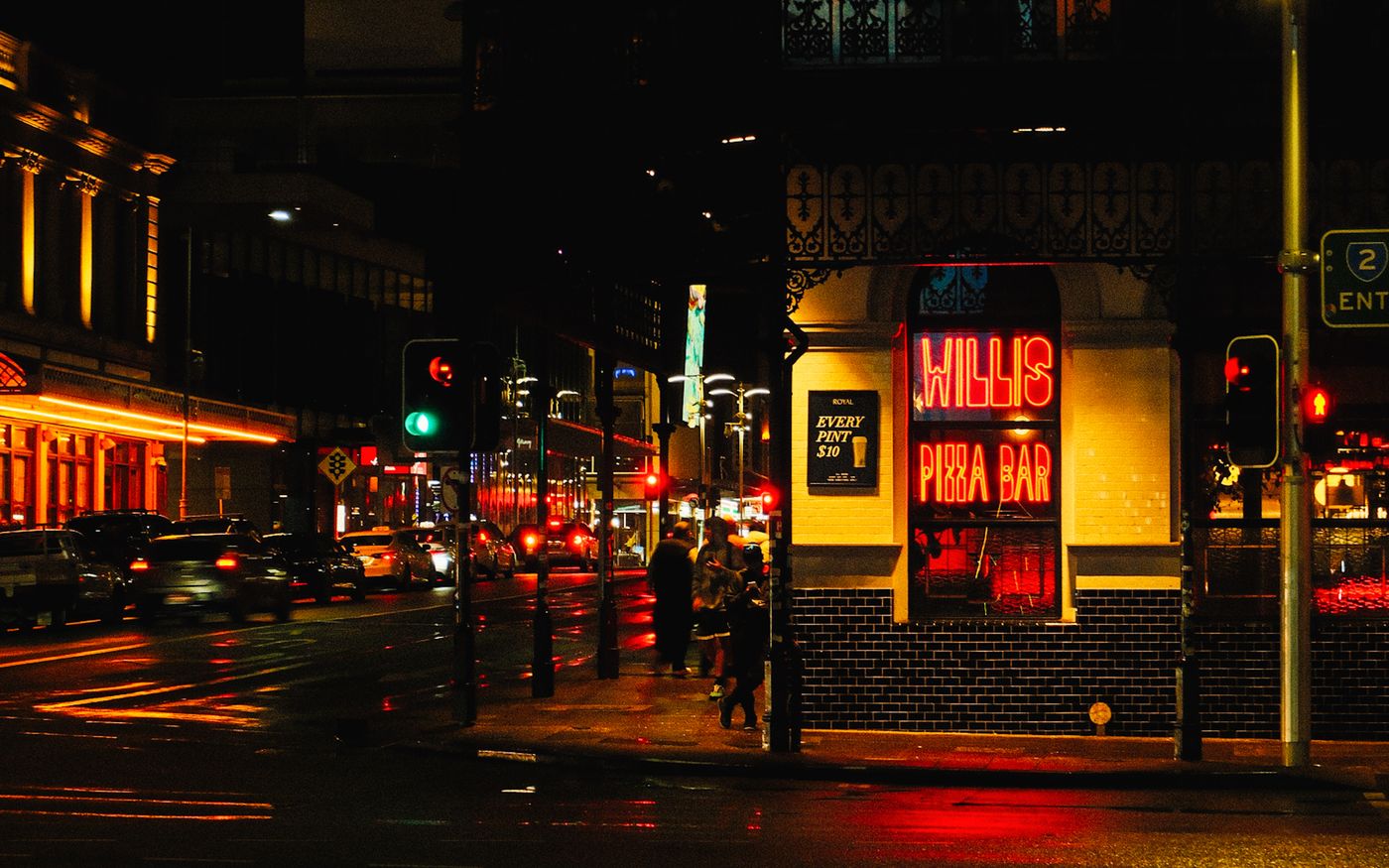
Edit RAW files without uploading
Import RAW files and edit them immediately using your browser's local processing. Your photos are never sent to a cloud server.
Built for photographers, not social templates
We focus on tone, density, hue, and film emulation, providing standard photographic tools like scopes and curves.
Color grading, LUTs, film looks, masking
Shape the light and color of your RAW image, apply realistic halation and bloom, or export a 3D LUT to use in other applications.
Supported formats / roadmap
Currently supports standard RAW formats (CR3, ARW, NEF, DNG, RAF). Expanded photo management and sync are on the roadmap.
Kalar vs Lightroom Web / Photopea / Pixlr
Photopea: great browser image editor, less focused on photo management / RAW workflow.
Pixlr/Canva: fast casual editing, less professional RAW development.
Lightroom Web: strong RAW + management, but subscription/cloud-centered.
Kalar: browser-first, privacy-first, pro photo workflow.