True RAW decoding
Open camera RAW, HEIC and TIFF with a high-bit-depth pipeline that protects highlight and shadow detail.
Online RAW editor · film looks · 3D LUT export
A browser-based image editor built for color. Adjust RAW photos and video frames with exposure, contrast and color curves, match references, tune halation, bloom, grain, and export 3D LUTs for your creative workflow.
Runs offline · No watermark · Free plan available
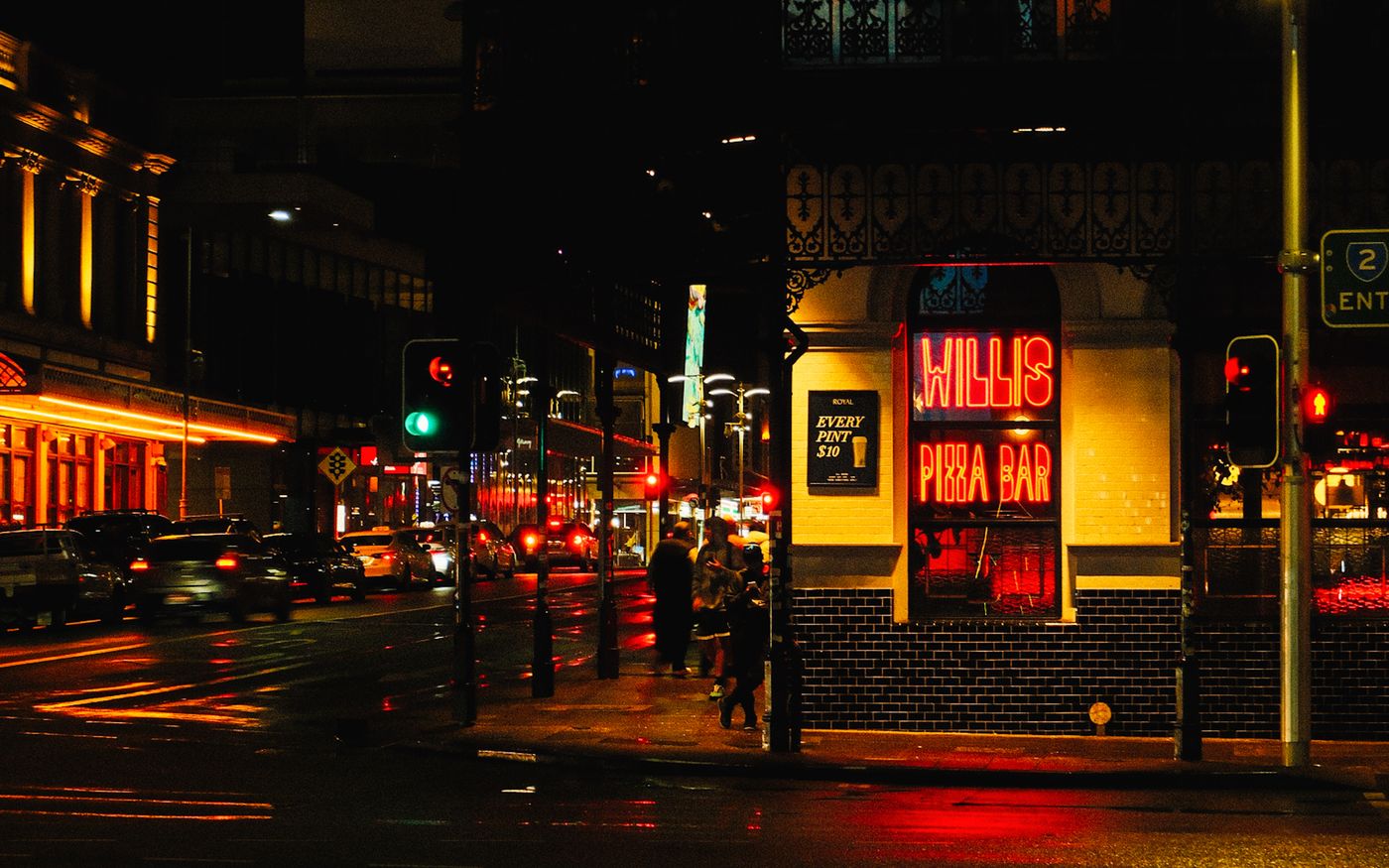 OriginalGraded
A WebGL2 engine renders every adjustment in real time.
Images are decoded and processed locally — nothing is uploaded.
Install once and keep editing without a connection.
Inside the editor
Live scopes, tone curves and color controls all update in real time as you grade — the desktop experience, with nothing to install.
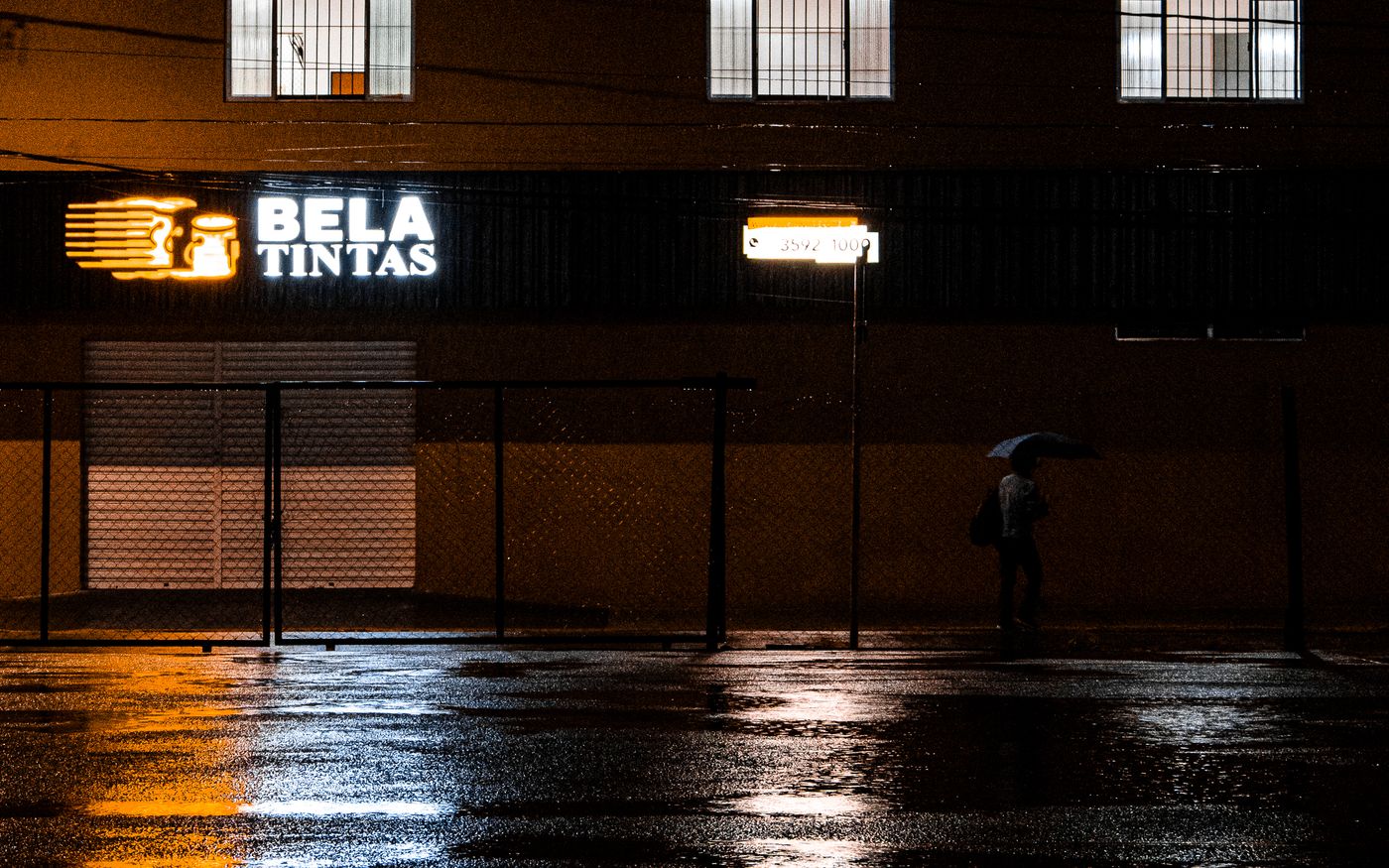
Film grading features
Open camera RAW, HEIC and TIFF with a high-bit-depth pipeline that protects highlight and shadow detail.
Curves, color wheels, HSL and live scopes give you precise, filmic control over tone and mood.
Build, import and share looks. Apply 3D LUTs and one-click presets across an entire shoot.
Match the palette of any reference image and let Kalar rebuild the grade for you.
Export high-resolution images with your color science baked in, ready to deliver.
A progressive web app that installs to your desktop and keeps working offline.
The grading stack
The Kalar editor stacks sixteen GPU-accelerated panels for photo color adjustment and film grading — from AI reference matching and tone curves to scattering, refraction, halation, bloom, diffusion, and film grain. Panels marked “Included in LUT Exports” bake into your 3D LUT; FX panels are real-time, render-only optical effects.
Start from curated film looks and preset packs, then refine every panel to taste.
Adjustment panel

Match the color, brightness and contrast of a reference image to your current image. Ideal for replicating film looks or kickstarting a grade.
Included in LUT Exports

Adjust global exposure, saturation, temperature and tint with the 2-axis controls.
Included in LUT Exports

Shape brightness across shadows, midtones and highlights with precise control over luminance ranges.
Included in LUT Exports

Adjust contrast distribution across tonal zones with film-density modeling and full control over curve shape.
Included in LUT Exports

Add physically accurate shadow and highlight tinting based on natural light behavior using the two color wheels.
Included in LUT Exports

Filmic HSL. Change hue and saturation in shadows and highlights independently for all color vectors.
Included in LUT Exports
Control color richness and saturation hue-by-hue, based on analog film density behavior.
Included in LUT Exports

Adjust saturation based on how colorful pixels already are. Boost muted tones or protect vibrant highlights.
Included in LUT Exports
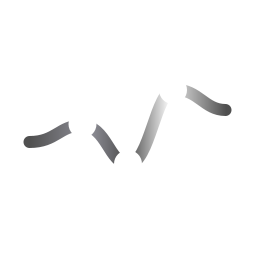
Adjust brightness per hue for subtle tonal balancing and natural color contrast without masking.
Included in LUT Exports

Control saturation across brightness ranges. Boost shadows or reduce highlights to avoid color clipping.
Included in LUT Exports
Adjust brightness and introduce subtle hue shifts separately in the shadows and highlights of your image.
Included in LUT Exports
Dynamic re-illumination with localized exposure and pop. Drag the point on the image to position the light; double-click it to recenter.
Render-Only (Not Included in LUTs)
Simulate the iconic red-orange glow around highlights seen in analog film photography.
Render-Only (Not Included in LUTs)
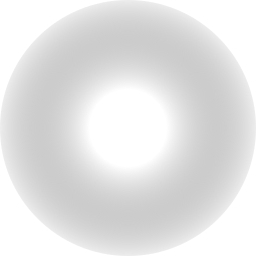
Real-time optical diffusion that softens highlights while maintaining subject focus. Drag the point on the image to position the protected area; double-click it to recenter.
Render-Only (Not Included in LUTs)

Re-texture every pixel with volumetric film grain and localized micro-contrast, from fine 35mm to gritty ISO 800.
Render-Only (Not Included in LUTs)
Film emulation presets
Use print film, night street, editorial, vintage negative, and modern cinema looks as flexible starting points. Refine density, curves, saturation, halation, bloom, grain, and export the final grade as a reusable look.
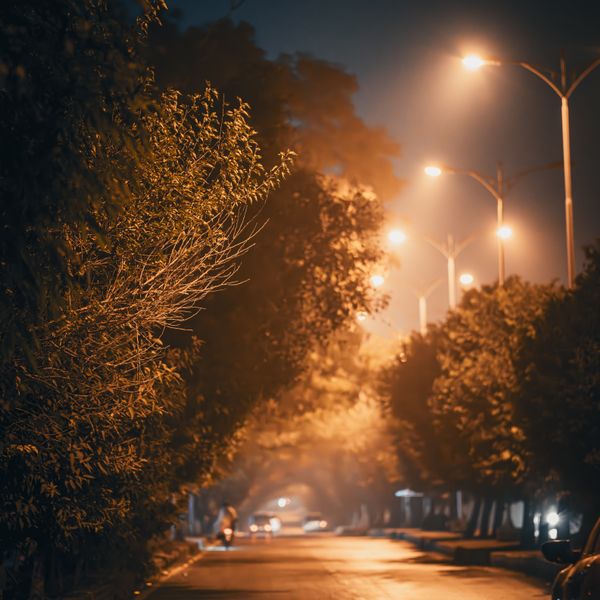 Motion Picture Negative
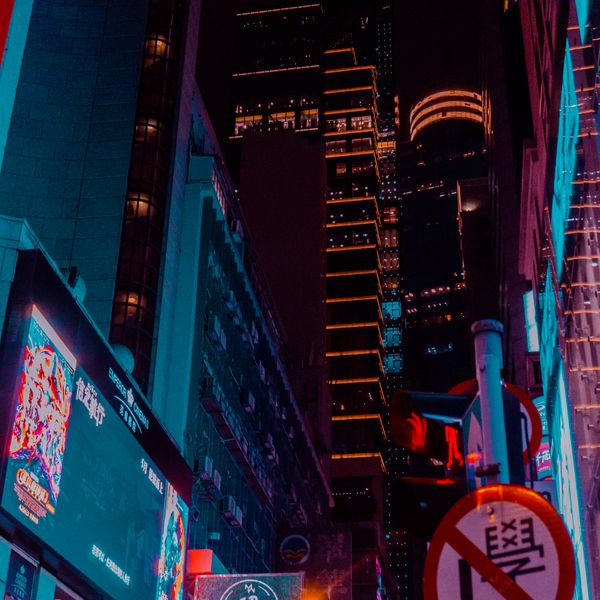 Night Street Film
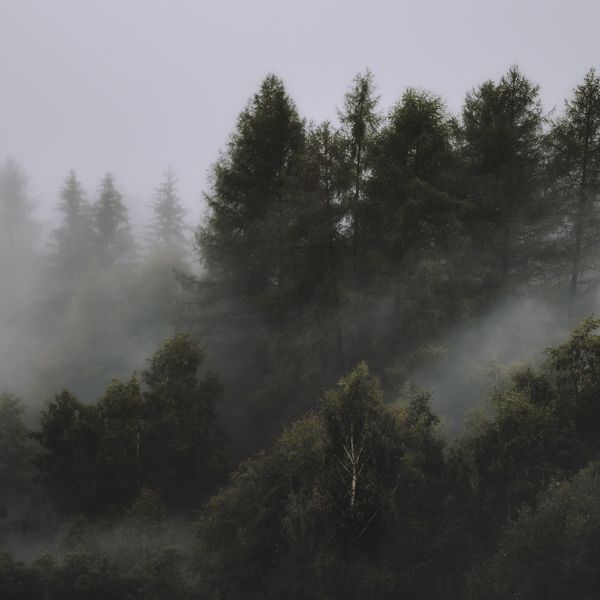 Soft Print Film
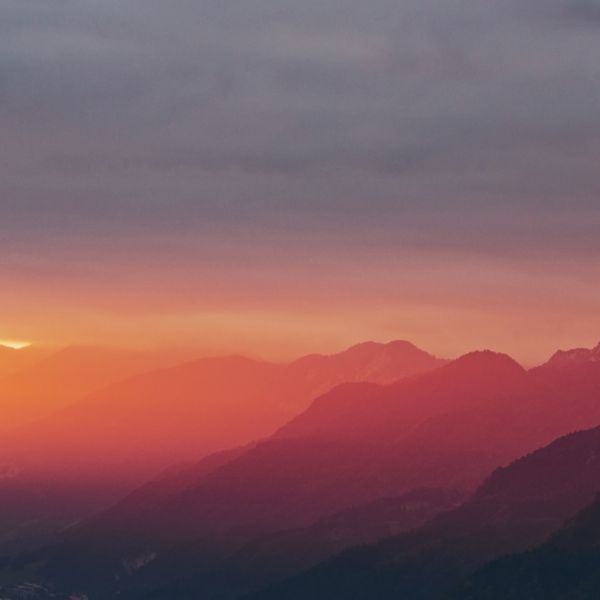 Cinematic Film Looks
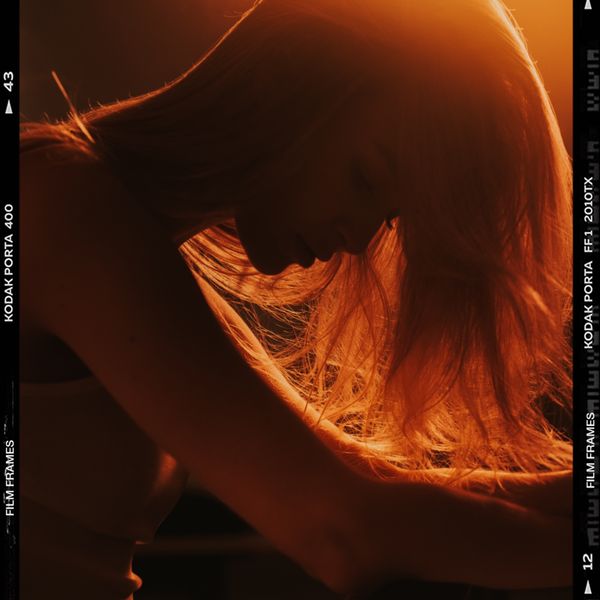 Classic Still Film
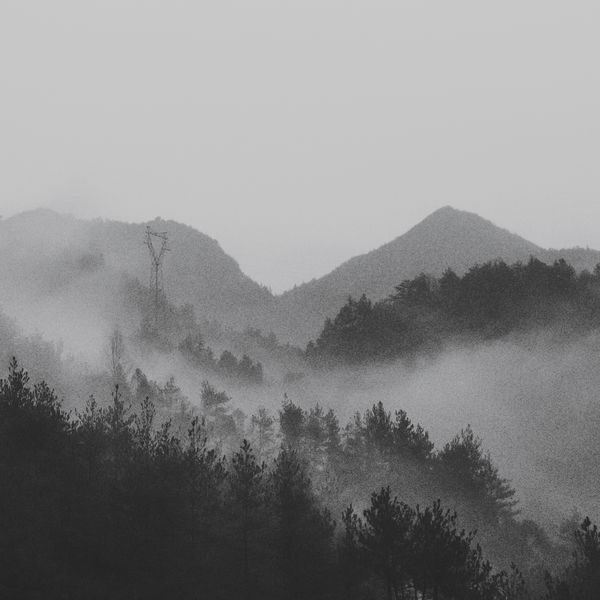 Natural Still Film
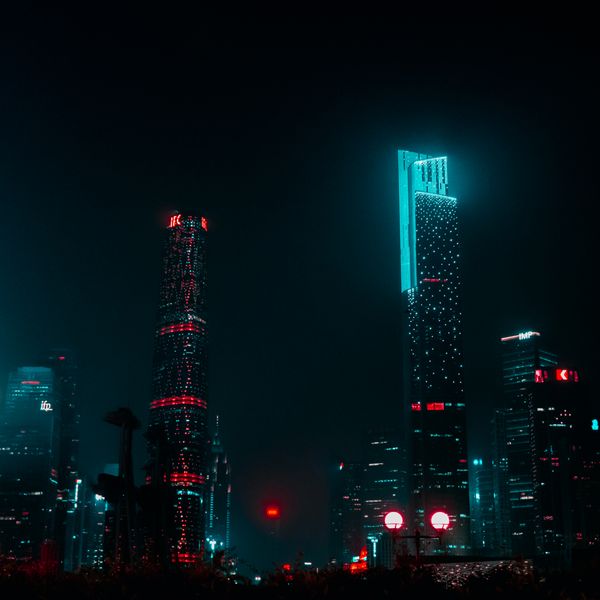 Modern Cinema Pack
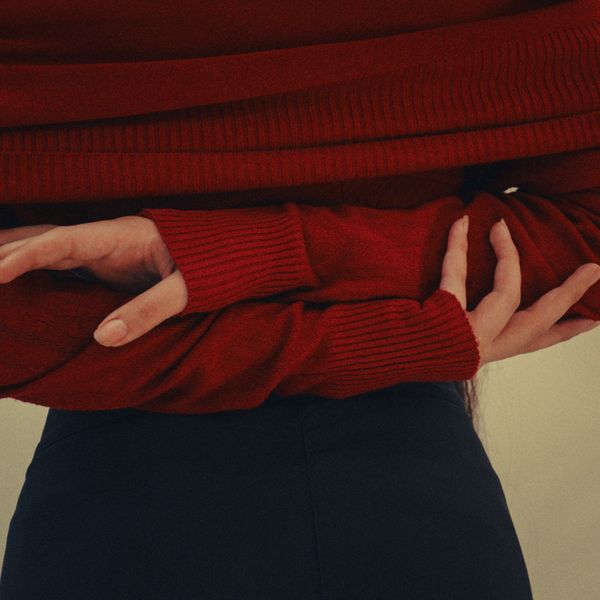 Editorial Essentials
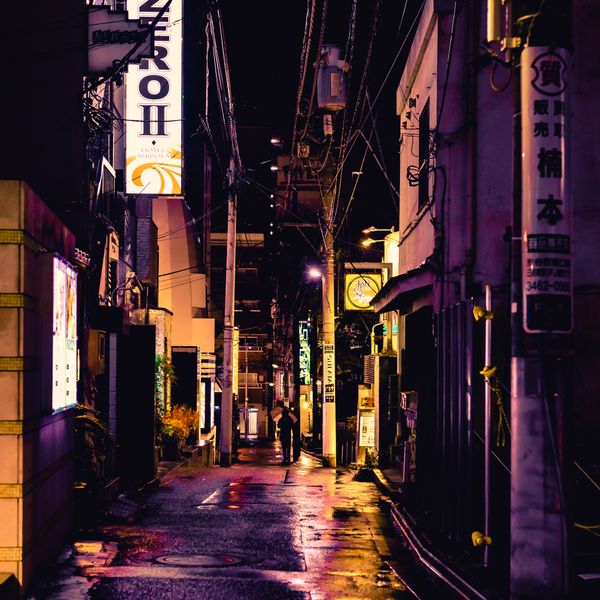 Tetrachrome
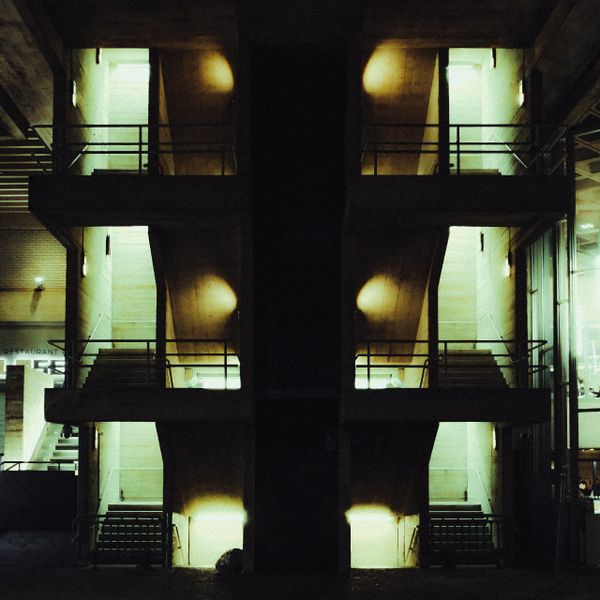 Vintage Color Negative
Browser grading workflow
Drag in a RAW file or send one straight from your phone with a QR code.
Dial in exposure, color and contrast, or start from a preset.
Save your look as a preset and export the final image.
FAQ
Short answers for photographers, filmmakers, and creators comparing web grading, film emulation, RAW editing, and LUT export workflows.
Yes. Kalar is a browser-based image editor focused on color. It opens RAW photos and video frames and gives you sixteen adjustment panels for exposure, contrast, curves, color balance, and film grading — with no installation and no upload.
Yes. Kalar runs entirely in your browser and is focused on cinematic color grading — exposure, curves, film looks, halation, bloom, grain, AI reference matching, and 3D LUT export. You can build Lightroom-style looks without installing desktop software, managing a catalog, or uploading your photos.
For color work, usually yes. Kalar opens in a browser tab with no install, sync, or catalog setup, and keeps the toolset focused on color and film grading. That makes building a cinematic look and exporting a 3D LUT faster and simpler than learning a full desktop suite.
Kalar covers exposure and contrast curves, color balance, saturation, density, chroma, and radiance curves, shadow and highlight tinting, and AI color matching, plus film effects like scattering, refraction, halation, bloom, diffusion, and grain.
Browser-based film color grading is the process of shaping color, contrast, density, highlight rolloff, grain, halation, and cinematic looks directly in a web app without installing a full desktop grading suite.
Yes. Kalar is designed for RAW photo grading workflows, giving photographers a browser-based space for exposure, contrast, curves, color matching, film texture, and reusable look creation.
Yes. Kalar lets you build a cinematic look in the browser and export it as a 3D LUT for use in compatible video editors, photo editors, and color-managed creative workflows.
Kalar is for photographers, filmmakers, creators, and color-focused teams who want a fast web workflow for film looks, reference matching, scopes, presets, and LUT export.
Open Kalar to grade RAW photos, create film-inspired looks, match references, and export LUTs for your editing workflow.
Get started — it's free